How to Install BetterText on Wix?
To install BetterText on your Wix account, please follow the guide below:
1. Click here to visit the BetterText app listing on Wix
2. Click on the "Add to Site" button to install the app

Click on Agree & Add
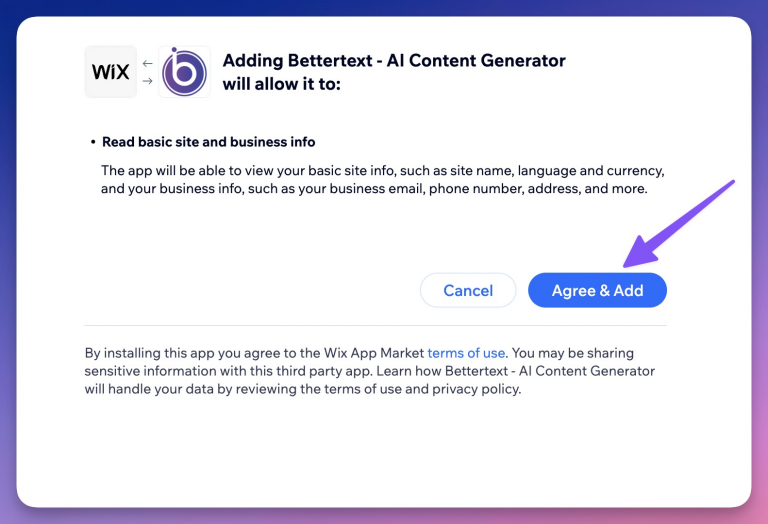
Once you're done, you will be redirected automatically to your BetterText dashboard.
If you have any issues, please contact us here
Still stuck? Write to support@bettertext.ai.